One room per student. Every lesson, saved.
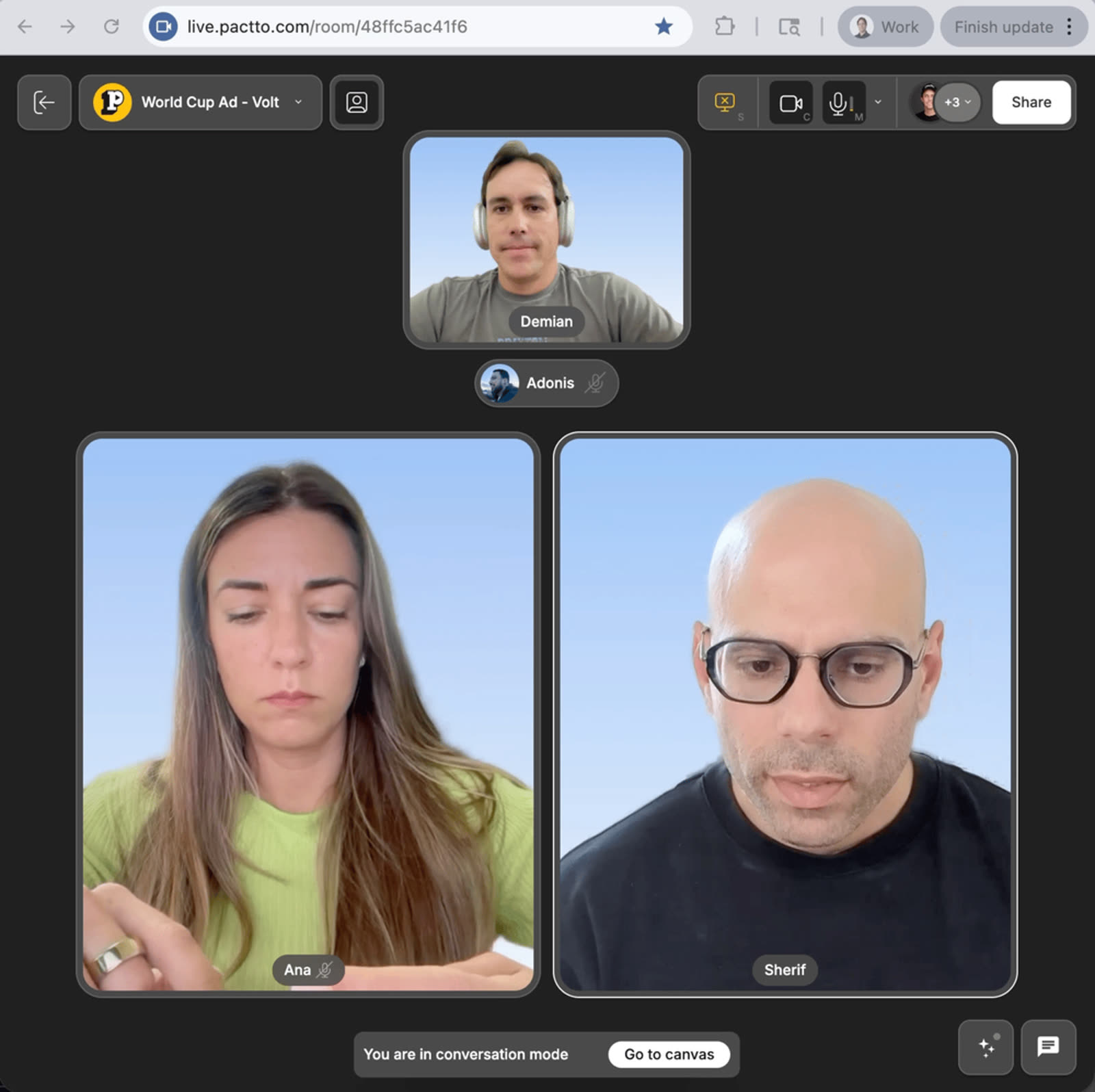
Teach in a persistent room, not a call that vanishes when you hang up. Every material, correction, and vocabulary list stays in the room class after class, so you never lose the thread of a student's progress. Share materials, mark up on the spot, and let the AI keep the record.
No credit card. Guests join free, and no account is required to give feedback.
Built with teams like Sebastian Duran
Lessons vanish the second you hang up.
Zoom calls disappear. Materials live in Google Docs, corrections in a chat that scrolls away, homework in email. Students lose track of what they learned, and you rebuild context at the start of every session.
Point at the exact word.
Share slides, PDFs, or video at real quality on a shared canvas. Play the clip without lag. Everyone is looking at the same thing.
Correct on the spot; the AI keeps the record.
Mark up pronunciation and grammar directly. The AI captures corrections and new vocabulary into a clean, structured record, so no one stops to take notes.
Never lose the thread of their progress.
The room persists per student, class after class. Months of materials, corrections, and vocabulary stay in one place, so you always know how far they have come.
Every room has memory, and its context grows with every interaction.
Nothing in a Pactto room is throwaway. The AI agent captures every interaction: every conversation, note, decision, and asset. The room's context compounds over time, so you can come back tomorrow or next month and pick up where you left off. Revisit a past decision, pull a data point, or catch up on what happened while you were away. The more you use the room, the more the agent knows.
From that living context, the agent can generate:
Up and running in three steps
Sign in
Google Sign-In or email. No credit card. You're in a room in seconds.
Bring your work and invite
Drag files in or pull from Frame.io or Google Drive. Share the link, and guests join free with no account.
Meet live and decide
Present at full quality, the AI captures every note, and you leave with it decided. The room keeps everything.
A dedicated room per student
One persistent room each, as many students as you teach, and nothing bleeds between them.
Materials preserved class after class
Everything from every session stays put, so progress compounds instead of resetting.
AI-kept correction and vocab log
Corrections and new words are captured as a structured record, automatically.
Annotate any material
Slides, PDFs, video: mark it up live and everyone sees it instantly.
Students join free
No account, no install. They click a link and they're in.
A visible record of progress
Both of you can see how far the student has come, session over session.
“I'm using Pactto in order to have English tutoring sessions with my students about 2 to 3 times per week, and all the learnings, notes and context remain in the room. It's been a great experience because it provides an open canvas format with all the tools necessary leading to a more hands-on approach. We can both interact with it and each other in real-time so it contributes to a smoother workflow and conversation.”
Sebastian Duran
English instructor
What's possible now that wasn't before.
| What you need | Zoom + Docs + chat | Pactto |
|---|---|---|
| Past lessons stay accessible | Calls vanish | Persistent per-student room |
| Corrections kept in context | Chat scrolls away | Structured, AI-kept log |
| Mark up materials live | Awkward screen-share | Annotate any file |
| See progress over time | No shared record | Visible session over session |
| Student joins easily | Links and accounts | Free, one click |
Bring your work in from anywhere
Drag assets from your computer, pull directly from Adobe Frame.io (Adobe partnership), or connect Google Drive. Sign in with Google. Once assets are on the canvas, the AI has full context: it hears the conversation and sees the work.
No, they join free with a link.
Yes, one room per student, as many as you need.
Yes, every material and correction persists until you delete it.
No. Unlimited guests join free with one link, and no signup is required to view or give feedback.
It listens to the conversation and captures feedback as structured notes, updates docs, generates images, and edits images live. Video editing is coming next.
End-to-end encryption, SOC 2 in progress. Enterprise adds SSO, DRM, and watermarking.
There's a free tier with no credit card and no time limit. Paid plans start at $25/user/month, and guests are always free.
Start free. Give every student a room that remembers.
No credit card. Guests join free. No account required to give feedback.
Related use cases